Find your rhythm
Your claim begins at the Surface Scrape with one ore per strike. The Gear Ledger opens after 5 lifetime ore, so the first useful choice arrives quickly.
Strike the rock face, turn ore into a working mine, and build a legacy that carries from one claim to the next. Strata is a free, general-audience incremental mining game made for short check-ins and long-running plans.
Strata begins as an active mining game and steadily becomes an automated operation. The same ore funds both paths.
Press the rock or use its keyboard control to mine your first ore. Early strikes open the Gear Ledger and establish your claim.
Spend ore on gear that strengthens each strike, creates automatic production, or changes how critical hits and momentum work.
Grow both hand-mining power and ore per second, then descend through six distinct environments and choose routes for the claim.
Build a proven operation, earn Claim Deeds, and begin again with permanent Legacy advantages and a stronger long-term plan.
Important information stays close to the action: current output, the next unlock, purchase consequences, and a focused objective.
Your claim begins at the Surface Scrape with one ore per strike. The Gear Ledger opens after 5 lifetime ore, so the first useful choice arrives quickly.
The Hand Drill is the first automatic producer. Once installed, the mine earns between swings and can keep producing while you explore the ledger.
Unlocked gear shows what it changes, its cost, the next level, output before and after, and any milestone crossed. Buy 1, 10, 25, or the maximum affordable amount.
The primary objective keeps the next useful move visible. Open the Shift Plan for a few longer-term goals without losing sight of the immediate job.
Choose the purchase that helps your next objective. Hand tools reward time spent striking; automatic producers keep earning while you read the ledger or leave the mine.
Swipe the table sideways to see all columns, or focus it and use the arrow keys.
| Equipment | First cost (ore) | Base gain per level | Revealed after |
|---|---|---|---|
| Rusty Pickaxe | 150 | +1 ore per strike | Gear Ledger opens |
| Work Gloves | 250 | +2 ore per strike | 40 lifetime ore |
| Hand Drill | 450 | +2 ore per second | 150 lifetime ore |
| Blasting Powder | 800 | +7 ore per strike | 600 lifetime ore |
| Ore Pan | 1,100 | +5 ore per second | 800 lifetime ore |
| Lamp Tender | 1,900 | +6 ore per second | 1,200 lifetime ore |
These are the first-level costs and base effects, before depth, route, milestone, schematic, and Legacy bonuses. Revealing an item does not buy it: lifetime ore is a running total, while purchases spend the ore currently in your bank. The Gear Ledger opens at 5 lifetime ore.
A first pair of Work Gloves costs 250 ore for +2 base ore per strike. Two Rusty Pickaxe levels also add +2, but cost 150 + 201 = 351 ore before any cost modifiers. Once the gloves are revealed, compare them with the pick rather than assuming the cheapest single level is the best value. Critical hits, milestones, and your chosen route can change later decisions.
The first Hand Drill costs 450 ore and adds 2 base ore per second. With no bonuses, that extra production earns 450 ore in 225 seconds: 3 minutes 45 seconds. This is a simple payback example, not a promise about every claim. A tap upgrade contributes nothing while you are away; at least one automatic producer makes an idle return useful.
The tenth Rusty Pickaxe level adds its ordinary +1 base ore per strike and a +5 milestone bonus. Buying that level therefore adds +6 before multipliers. A near milestone can be more useful than a newly revealed item. Compare the ledger’s before-and-after output for the actual quantity you plan to buy.
Buy Max spends your available budget on that item. Before using it, check whether your Shift Plan is pointing toward a depth purchase or a schematic. One or ten levels may leave enough ore to complete both objectives. There is no single best build for every route and play session.
Equipment has a starting cost and a growth rate. Before discounts, each next level costs the starting price multiplied by the growth rate for every level already owned, rounded up to a whole ore. The Hand Drill starts at 450; its second level costs 594. Bulk buying adds the growing prices before rounding the total, rather than multiplying the first price by the quantity. Use the in-game purchase preview for your current claim’s final cost.
Opening the map requires both 3,000 lifetime ore and 14 ore per second. More tapping alone will not satisfy the production requirement. Build automatic output, then check again. Opening the map and buying a depth are separate steps: Red Clay Shelf has a base unlock cost of 45,000 ore. The map displays the requirements and current price before you commit.
Already building toward a New Claim? Read the eligibility and reset checklist.
The Depth Map shows the current shelf, what comes next, its exact requirements, and the reward for opening it. Once purchased, travel directly between unlocked shelves.
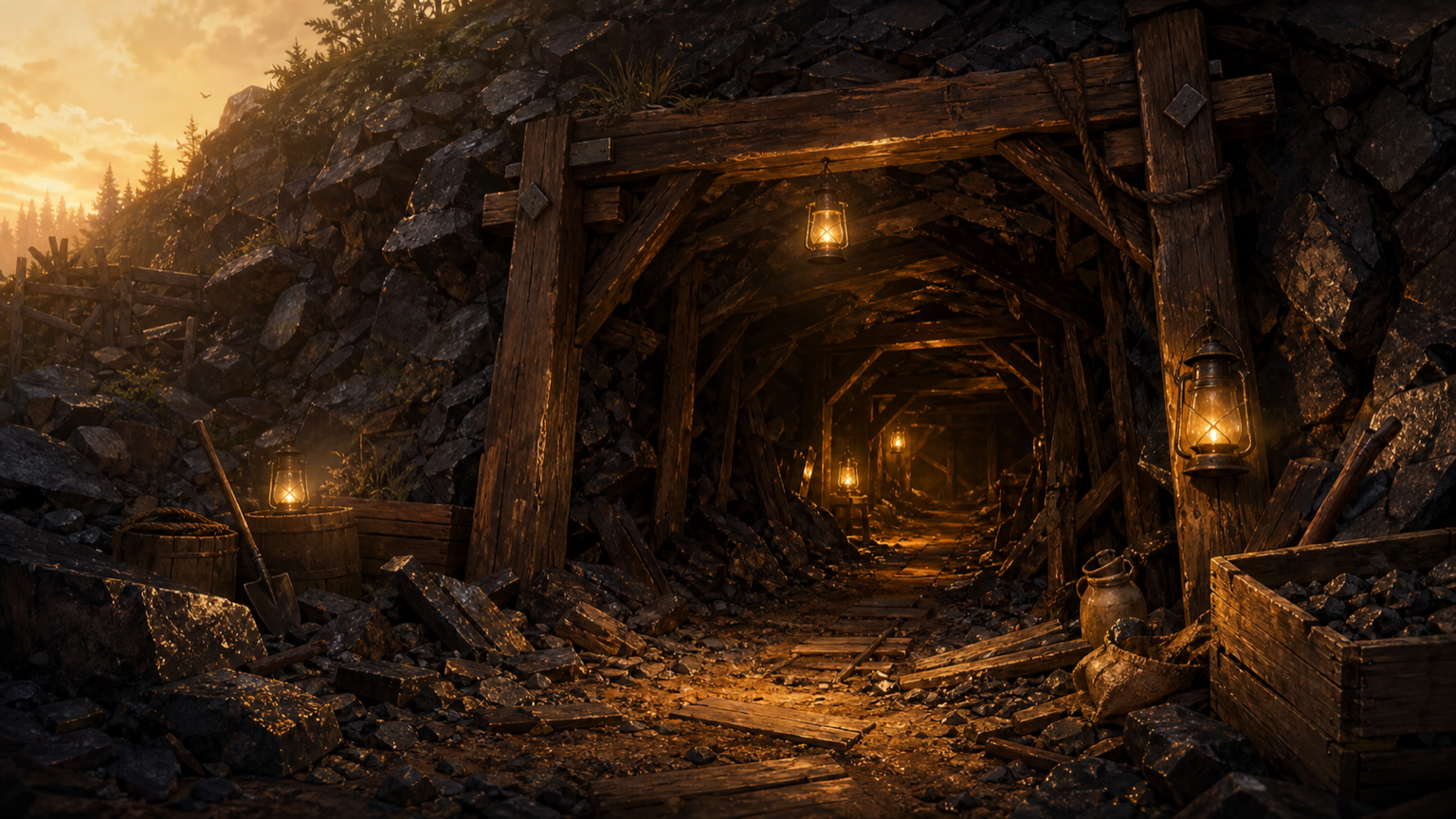 01
01Learn the strike-and-install loop in a warm, hand-worked claim.
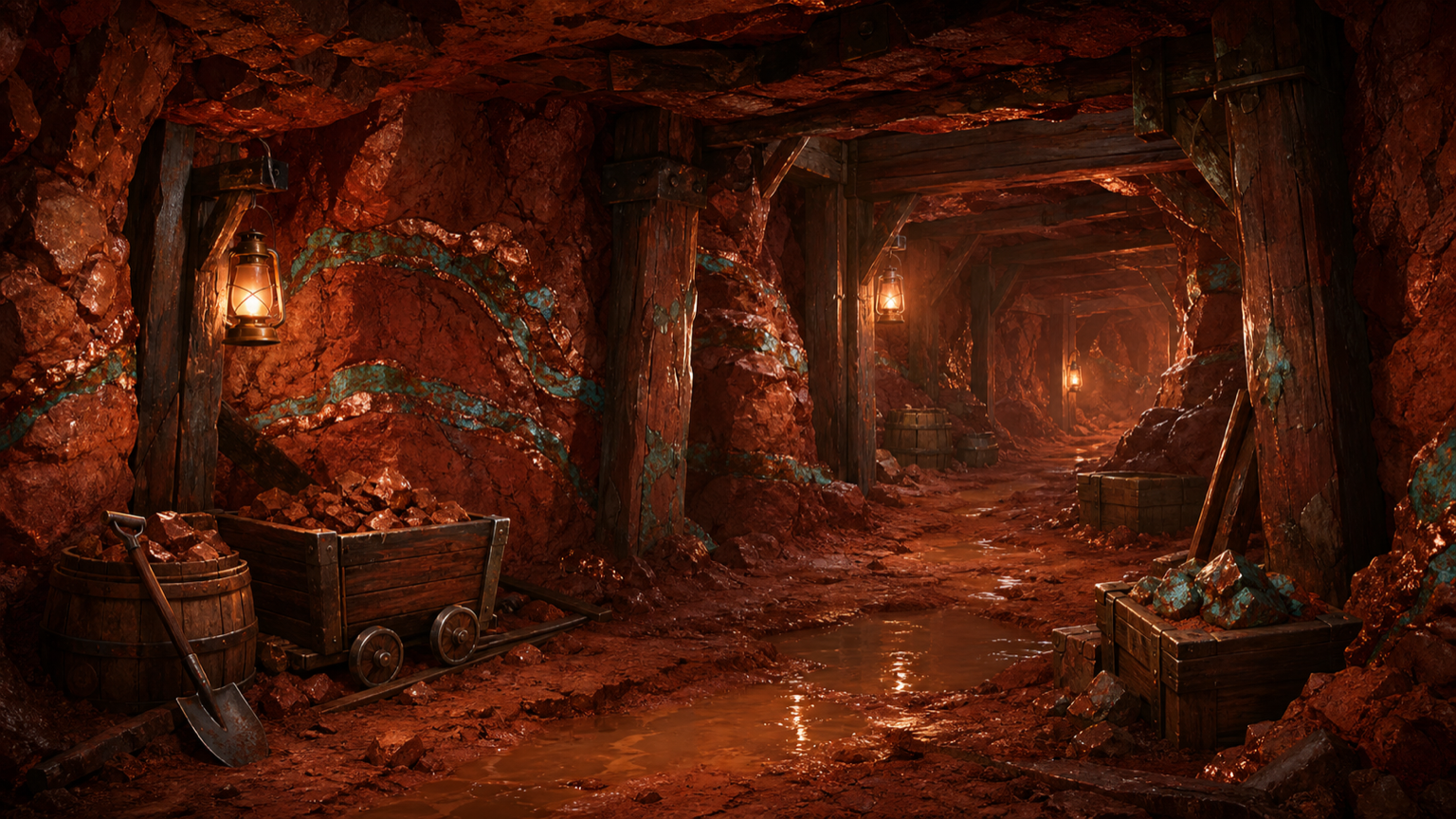 02
02The first route choices and a broader working face begin to take shape.
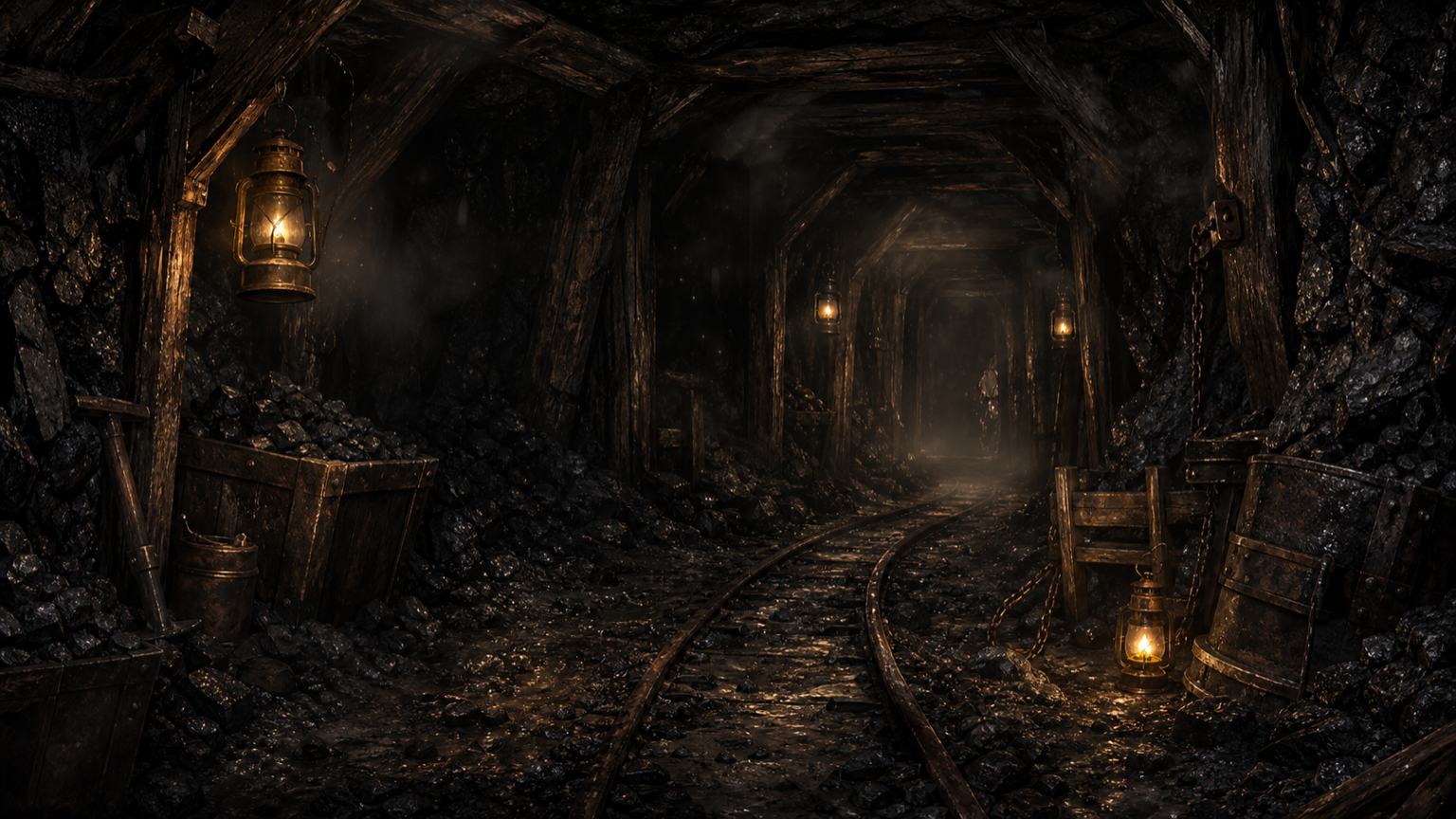 03
03Carts, crews, and industrial equipment become central to the operation.
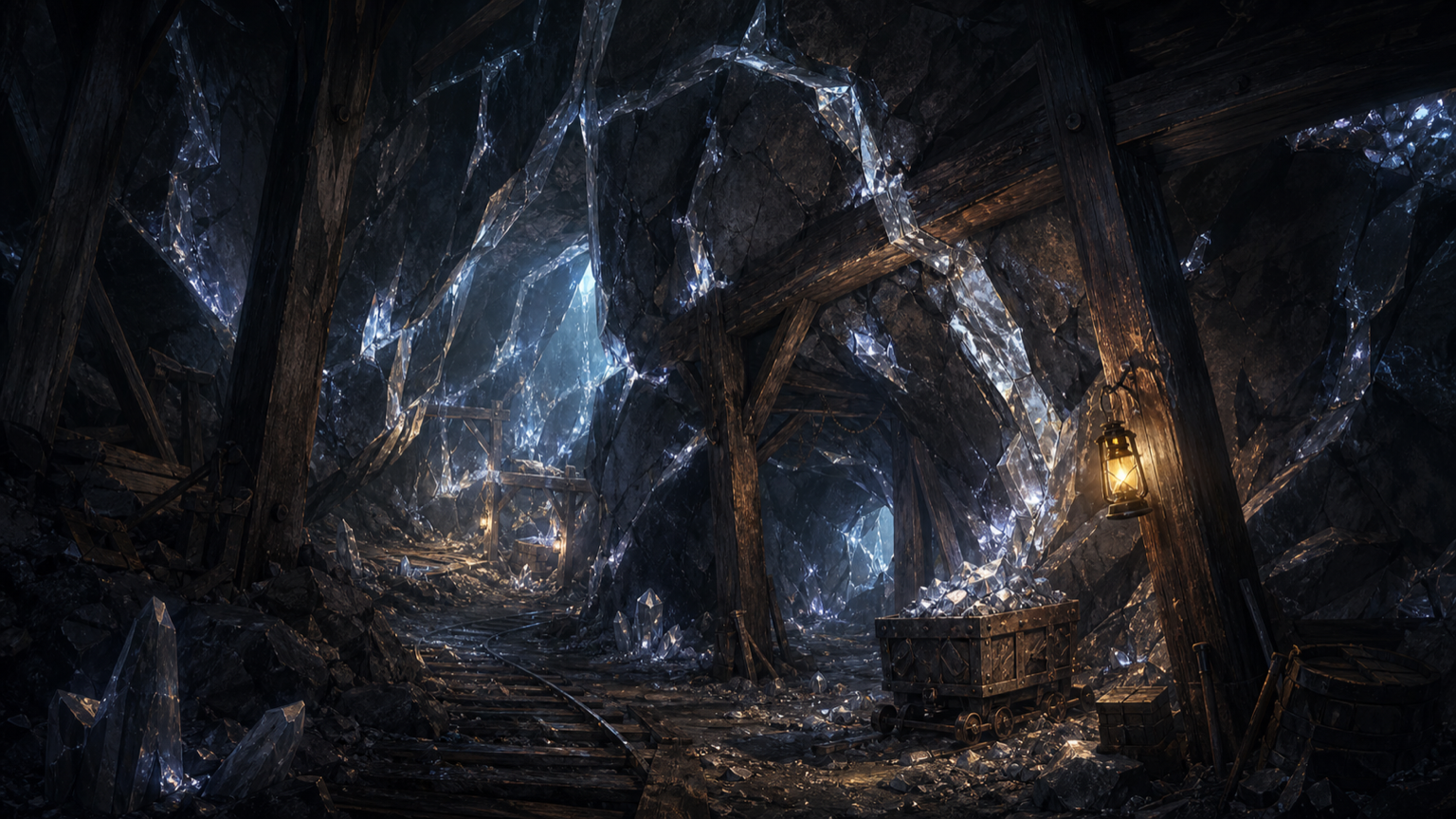 04
04Reach the first depth required to qualify a strong claim for stamping.
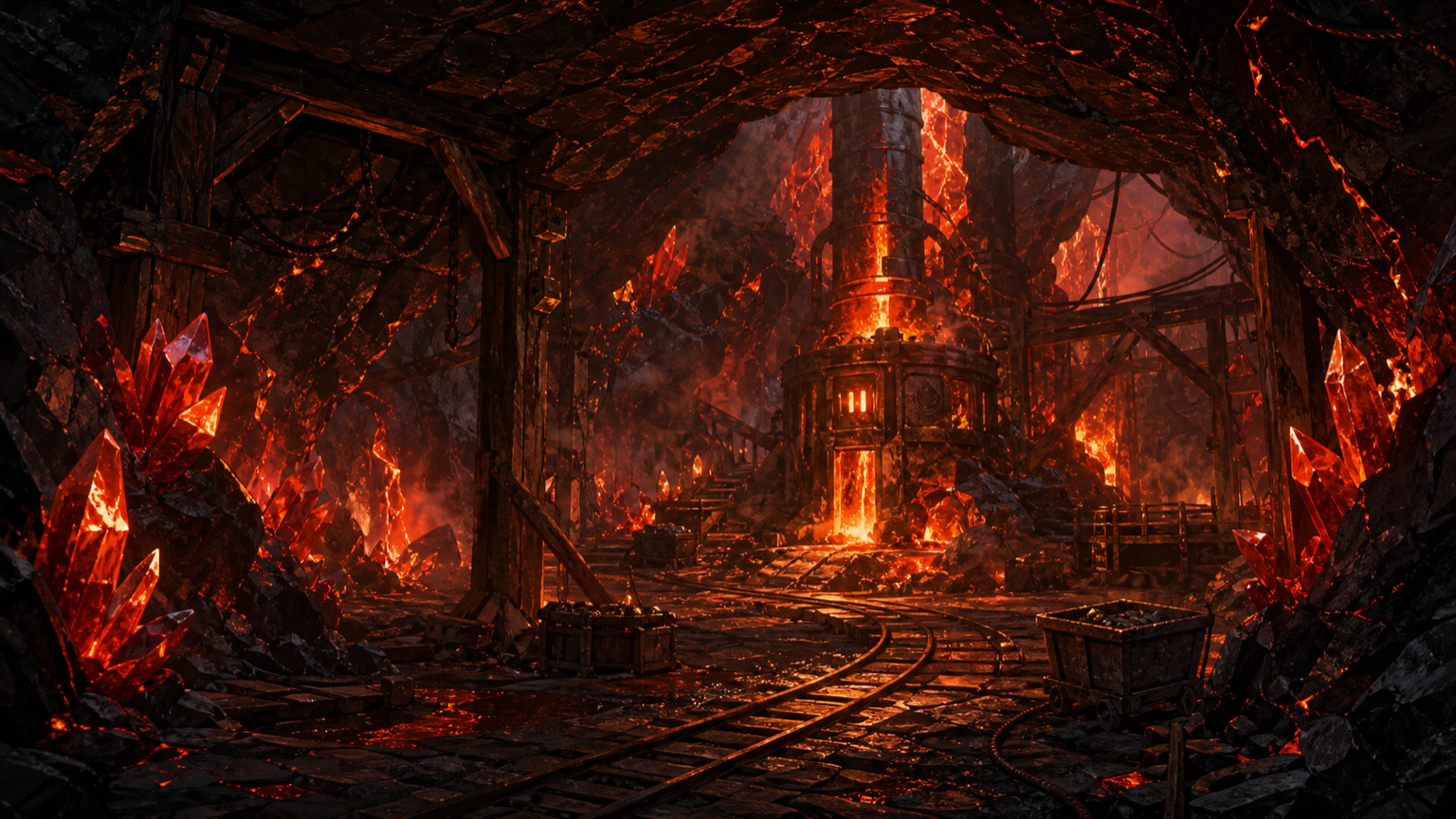 05
05Late-game machinery meets rhythm, critical strikes, and powerful routes.
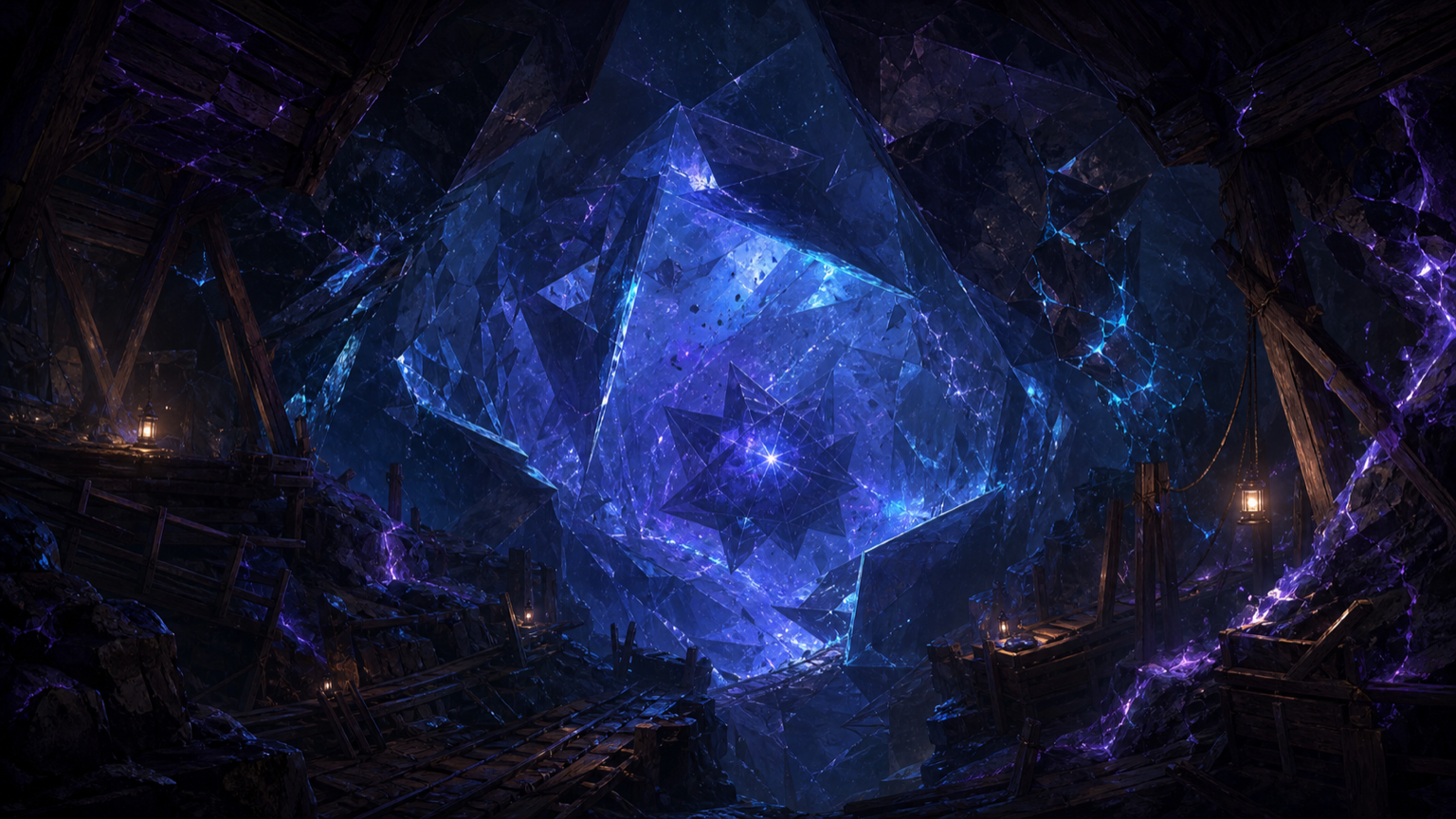 06
06Push a mature claim into its final Version 1.0 environment and score bonus.
The mine, Gear Ledger, Depth Map, Field Board, Workshop, and Milestones each answer a different planning question.
Equipment can add tap power, passive production, critical-strike behavior, momentum, crews, hauling, explosives, or late-game multipliers. Schematics refine those systems; most belong to the current claim, while Legacy plans are permanent.
At deeper shelves, choose Handworked, Industrial, or Volatile routes. Each asks for a different style of progress. Route mastery helps qualify a New Claim, while the ledger remembers lifetime completions.
Claim daily pay, work three short shift orders, and complete a rotating set of three weekly contracts. Rewards include ore, temporary production boosts, and cosmetic keepsakes.
Discover Core Samples, complete depth collections, and equip visual rewards such as lanterns, cart trim, claim markers, and miner gear. Duplicates return ore; cosmetics do not change balance.
Around Red Clay Shelf, unlock the Blissful Mining schematic and select the mine cart beside the rock. Strike the floating ore in a dreamlike quarry, with 10% more ore per strike and your crew working at its usual pace. Rare veins, specimen finds, and routine pop-ups pause in this mode. Choose Lively, Gentle, or Still motion to suit the room.
Entering or leaving Blissful Mining spins the stone for 2.5 seconds. When the shared 30-second recharge is ready, individual strikes during the crossing earn ten times their normal ore. Holding a key does not repeat strikes. The bonus changes hand mining only; automatic production keeps its normal rate.
Established claims can trigger short production surges and rare mining opportunities. Every result remains available in text, and Reduced Motion replaces timing-heavy presentation with steadier interactions.
Milestones, achievements, bests, route history, collection progress, and claim receipts turn repeated runs into one continuous mining career.
The Claim Office opens after three depths. It scores the operation, previews the exact Deed award, and explains every reset before you stamp anything.
The score considers the full operation, not ore alone. It ranks the claim from Prospecting through Legendary, then calculates a transparent Claim Deed award.
Deed Power records everything earned, even after deeds are spent. Purchased Legacy nodes survive New Claims and help define the next run from its first strike.
Improve deed earning, planning, and the information carried into future claims.
Strengthen the pick, strike rhythm, and the value of active mining.
Start future operations faster and push machinery and crews further.
Lean into critical strikes, Bonanzas, and high-variance mining power.
The web edition is local-first. It can work offline, but it does not quietly turn browser progress into an online account.
Strata does not require an account or cloud save. Export a portable copy from Settings before changing devices, browsers, or website addresses. Import it in the new browser to continue; installing the game alone does not move your claim.
The public web game offers Classic Strata. A web save export contains this browser’s progress; it does not import an iPhone save or establish purchase ownership. Keep a separate backup for each platform.
The fast-start core prepares first. Depth artwork and feature packs can stay cached as you reach them, and the Install & Offline panel offers a clearly sized complete download when the connection is suitable.
After at least one minute away, eligible automatic production is credited on return. The base cap is two hours; applicable permanent bonuses can extend it. Manual strikes do not add offline production.
Installing the web app gives Strata its own launch icon and offline shell, but the save still belongs to that browser profile.
A local save belongs to the browser and website address where you played. Opening Strata on another phone, in another browser, or under a different address does not automatically carry that save over.
First check the browser profile and address. The current public address is www.stratamininggame.com. A claim played at the old strata.kitbuilderpro.com address belongs to that old site’s browser storage. If you can still open the original claim, export it there and import it at the new address. Do not reset or clear the original browser while looking for it.
Export your current progress if that control is available. If Settings offers Retry local save, use it and read the resulting status. Check whether the browser is blocking site storage or running out of device space. Private browsing and cleared site data can remove local progress. Reinstalling the web app is not a substitute for a backup.
Reconnect and open Install & Offline. Wait for Offline core ready before disconnecting. That status covers the basic game; deeper artwork and other feature packs may still need downloading. The panel shows the size of a complete download so you can choose when to save it. If an update is available, follow Save & update while connected.
Offline earnings use eligible automatic production, not the ore earned by manual strikes. The base rules require at least one minute away and cap credited time at two hours; applicable permanent bonuses can alter the cap. For example, at 2 eligible ore per second with no cap bonus, three hours away credits at most 7,200 seconds × 2 = 14,400 ore. Inspect the return summary for your actual claim.
Email kitbuilderpro@gmail.com with your browser and device, the screen you were using, the steps that led to the problem, and the exact error text. A screenshot of the error can help. Keep exported saves private unless support needs one to investigate. Support cannot promise to recover progress that existed only in browser storage after that storage has been erased.
Strata keeps important results in visible text and exposes the same core progression without requiring sound, vibration, or decorative motion.
Strata is a free, general-audience incremental mining game. It is not specifically directed to children under 13. This guide covers the website; presentation and platform features may differ from the iOS edition.
This is the official field guide for the Classic web game at stratamininggame.com. It is maintained with the game’s public website. Equipment figures and worked examples on this page were checked against the Classic release on October 13, 2026. Purchase previews in your own claim include your current bonuses.
The website’s October 3 update added advertising privacy controls and information about the game. Advertising is currently disabled; playing does not require viewing or clicking an ad. If you find a guide instruction that does not match the game, please report the screen and the difference so it can be corrected.
Questions about the website can be sent to kitbuilderpro@gmail.com. See the Privacy Policy for local-save, audience, and advertising information.

Your first automated claim is closer than it looks.